SwimCoachApp
EMOM interval timer for swim training — runs directly in your browser
A single-page app for swim coaches. The EMOM (Every Minute on the Minute) timer helps with structured interval training in the pool—no installation required, runs directly in your browser, available in English and German. → See screenshots → Check the quick start guide
Screenshots
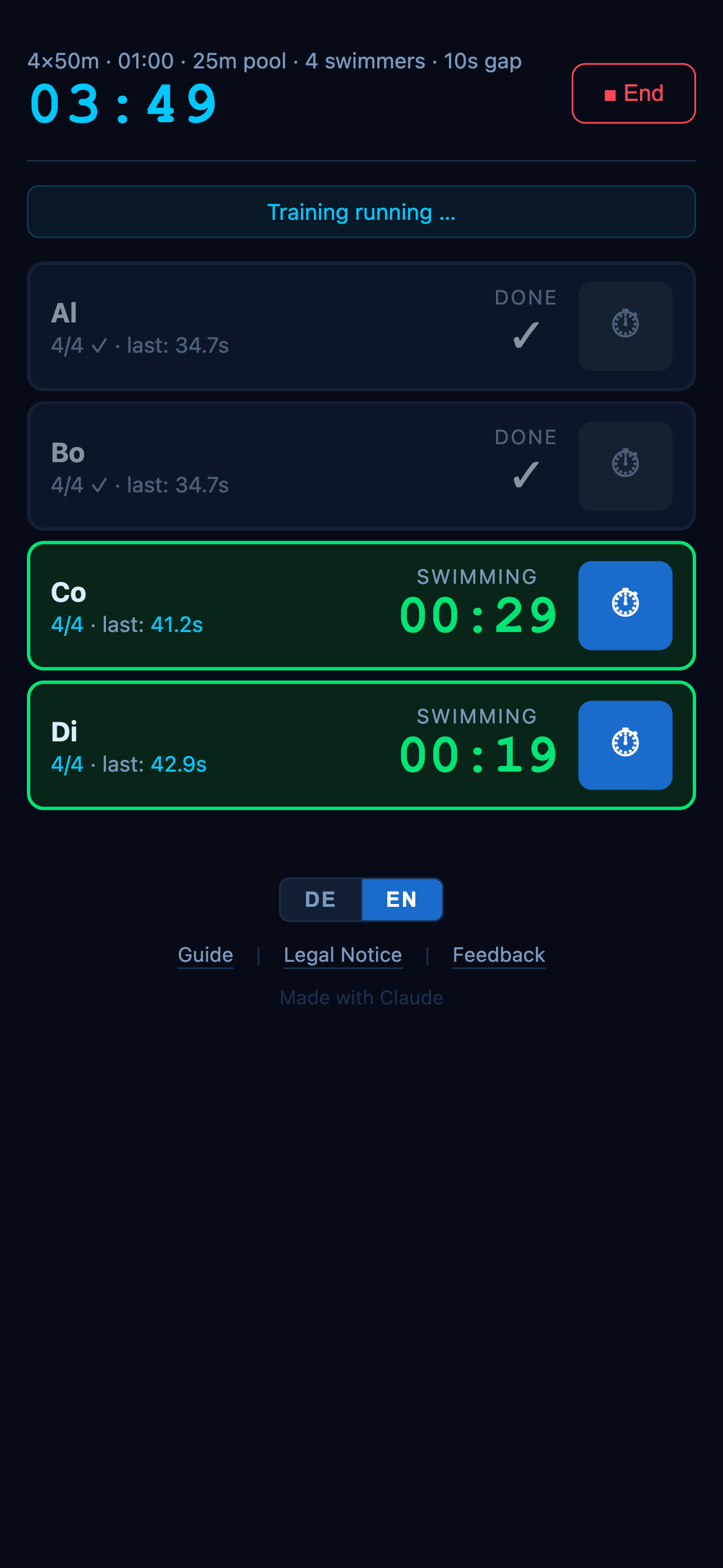
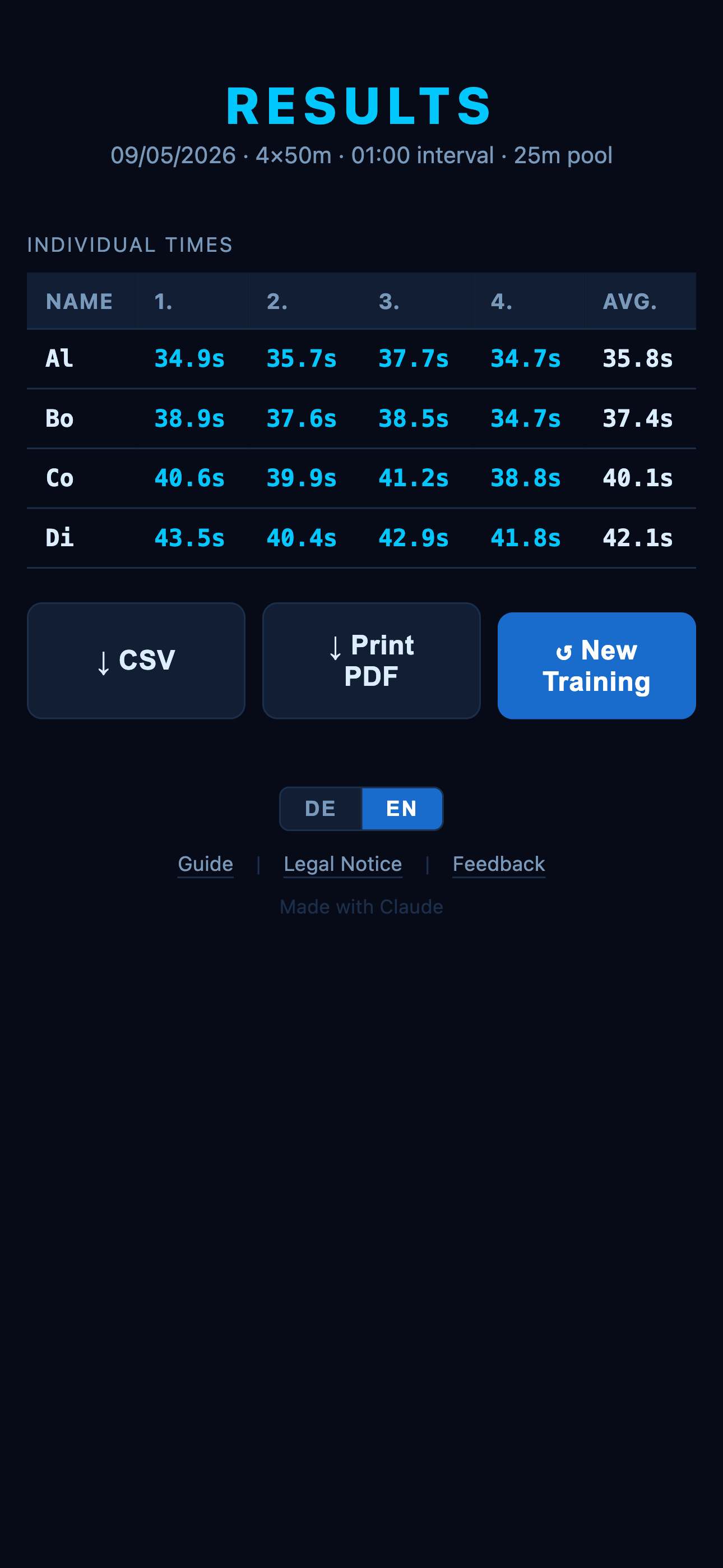
Quick Start Guide
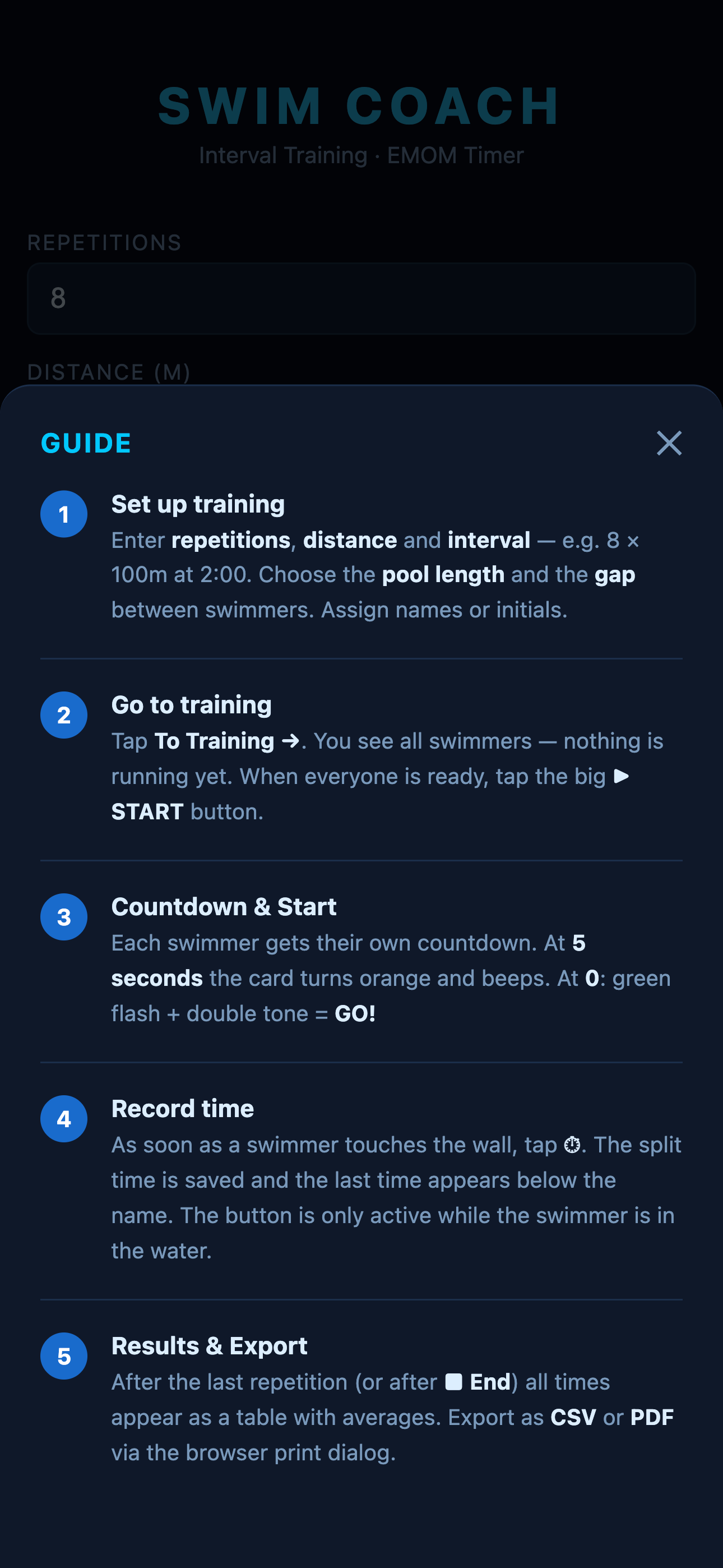
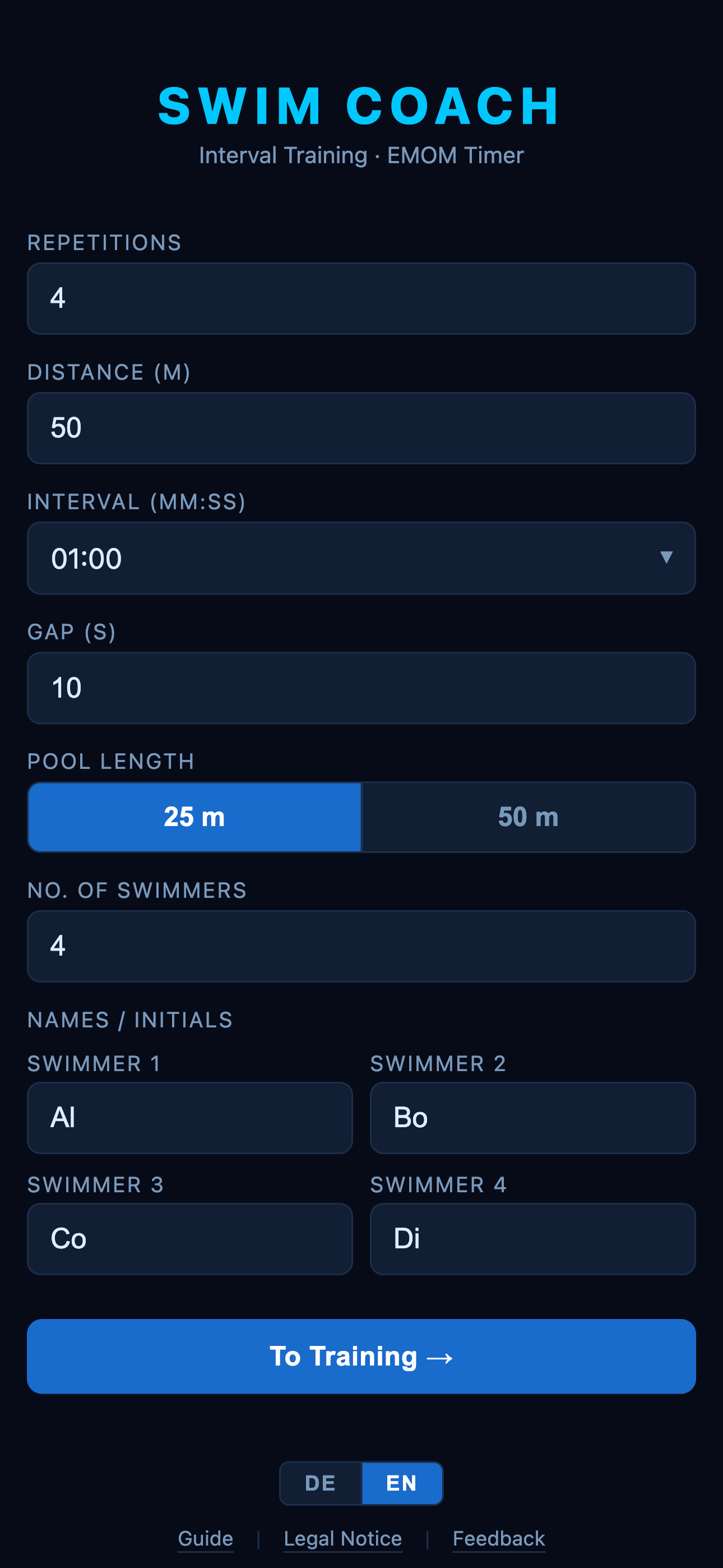
1 — Set up training Enter repetitions, distance and interval — e.g. 8 × 100m at 2:00. Choose the pool length and the gap between swimmers. Assign names or initials.
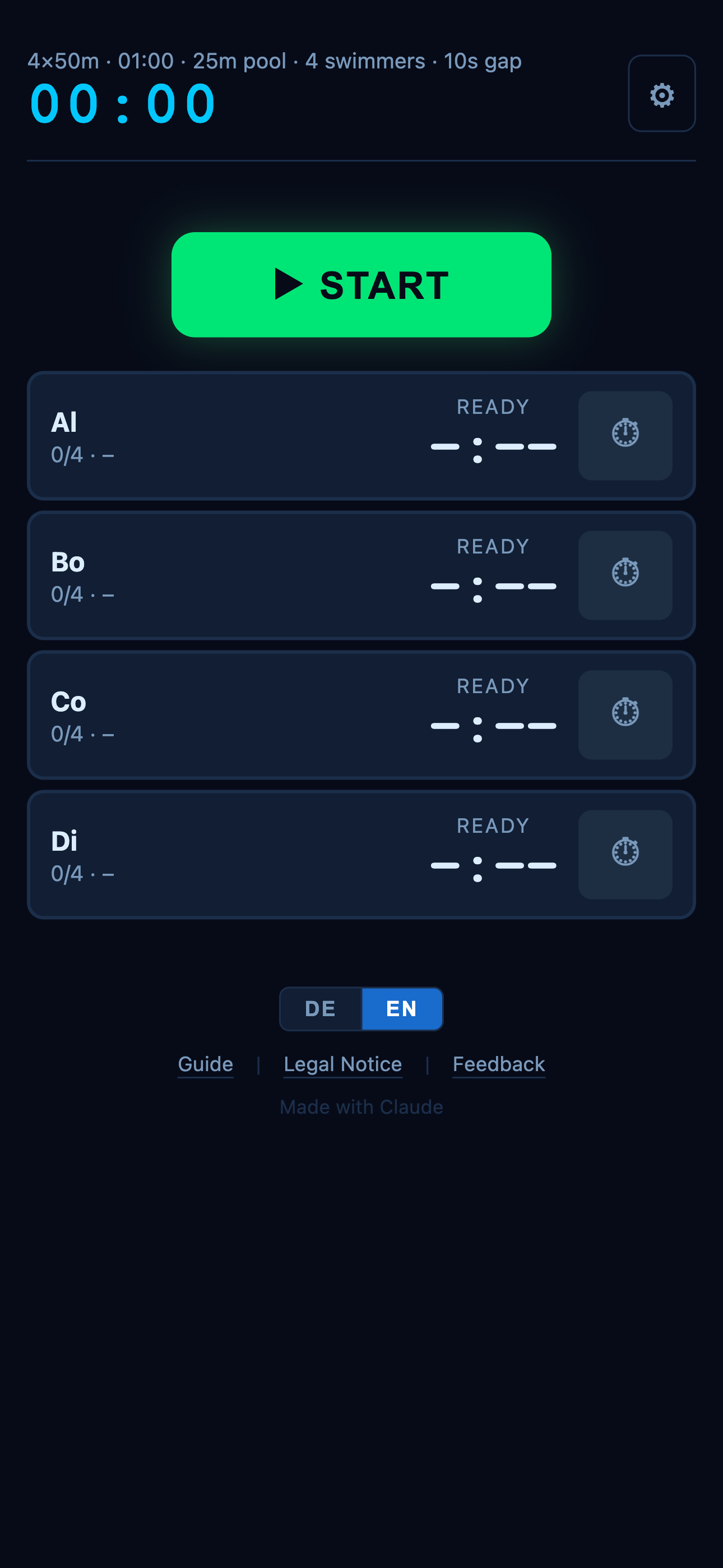
2 — Go to training Tap To Training →. You see all swimmers — nothing is running yet. When everyone is ready, tap the big ▶ START button.
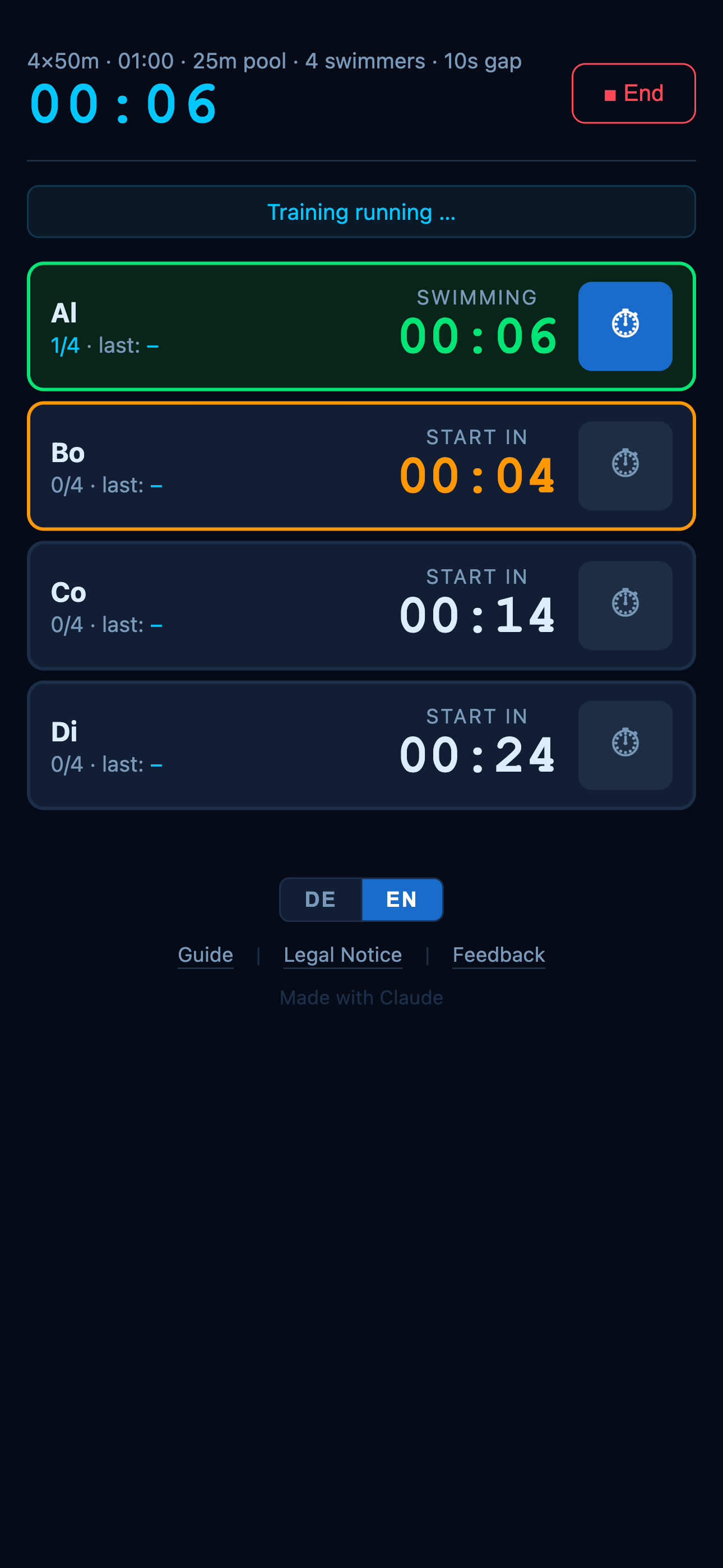
3 — Countdown & Start Each swimmer gets their own countdown. At 5 seconds the card turns orange and beeps. At 0: green flash + double tone = GO!
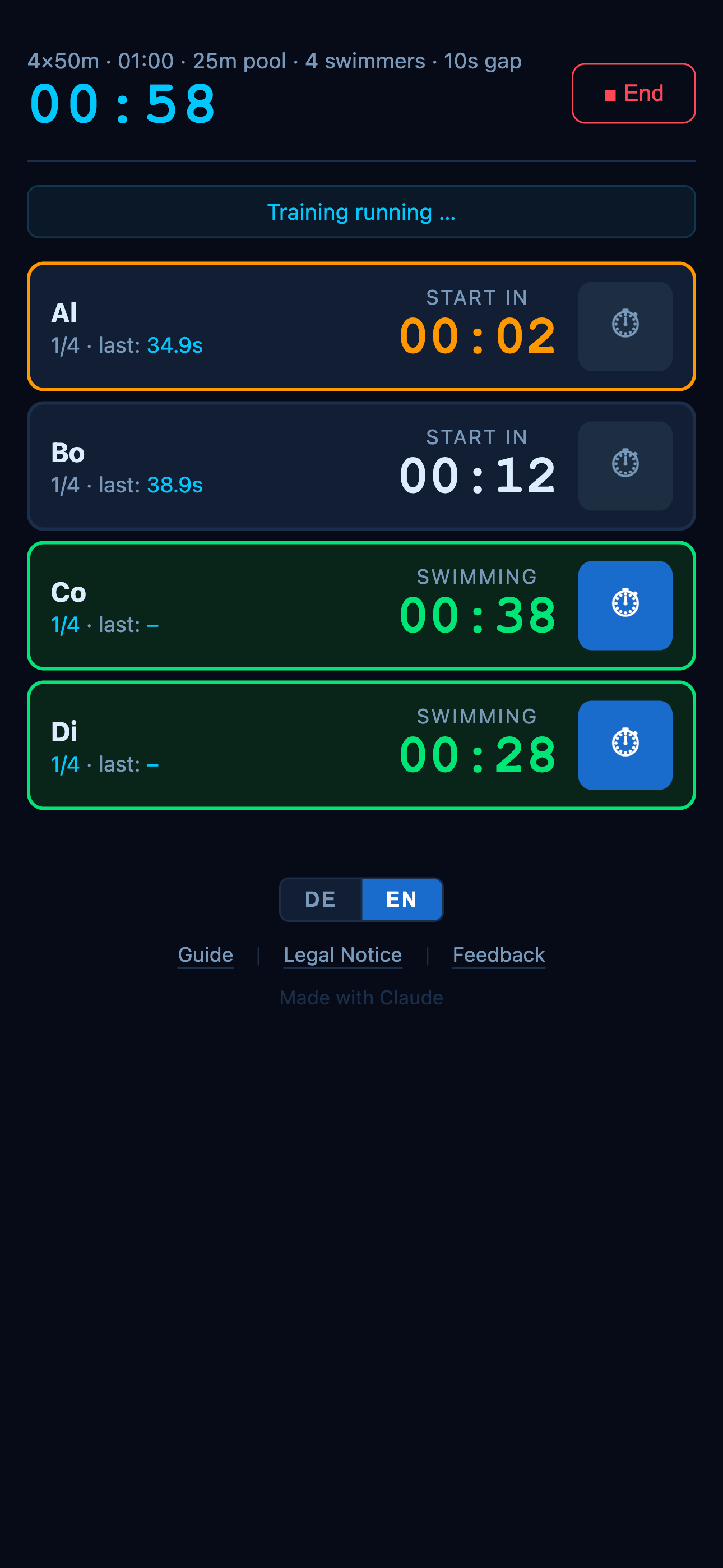
4 — Record time As soon as a swimmer touches the wall, tap ⏱. The split time is saved and the last time appears below the name. The button is only active while the swimmer is in the water.
5 — Results & Export After the last repetition (or after ■ End) all times appear as a table with averages. Export as CSV or PDF via the browser print dialog.